BlogOctober 1, 2026 · 7 min read
Apple Wallet vs Google Wallet for loyalty programs
How Apple Wallet and Google Wallet differ for loyalty and membership passes—and why issuing both from one API usually wins.
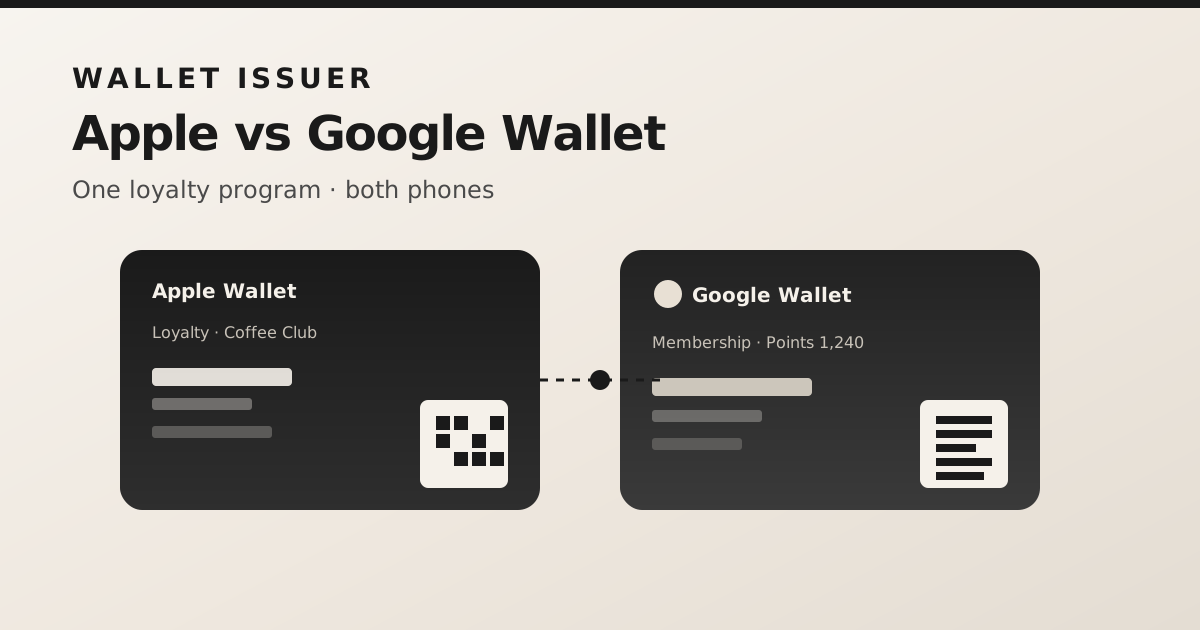
If you run a coffee shop, gym, or membership brand, putting a digital loyalty card in Apple Wallet and Google Wallet is often better than another app that customers never open. The hard part is not the wallets themselves—it is issuing and updating passes on both platforms without maintaining two separate integrations.
What both wallets share
Both Apple Wallet and Google Wallet support loyalty-style passes with a barcode or QR code, branded colors, and fields such as points, membership ID, and expiry. Customers install from a link or QR, then open the pass from the lock screen or wallet app. Updates can push to devices that already hold the pass, so balances stay current without reissuing a new card.
Where they differ in practice
- Apple Wallet uses signed .pkpass packages and PassKit web services for device registration and updates.
- Google Wallet uses issuer APIs and JWT save links that open the Google Wallet save flow.
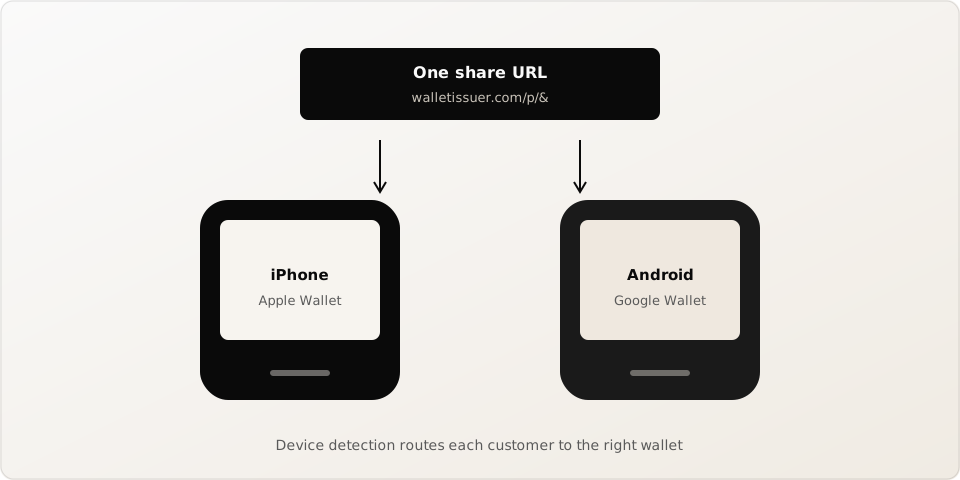
- iPhone users expect Apple Wallet; Android users expect Google Wallet—covering only one side leaves half your customers out.
- Share links should detect the device and route to the right wallet so staff can print one QR.
Why a single issuing layer helps
Your product should treat “create a loyalty pass” as one operation: define fields once, then deliver to Apple and Google. That keeps your backend simple, your dashboard consistent, and your monthly cost predictable—one pass object, both wallets. walletissuer is built around that model: design or POST JSON once, share one install URL, and push field updates later.
What to decide before you launch
- Which barcode format your till already scans (QR, Code 128, PDF417, or Aztec).
- Which fields change often (points, tier, expiry) so you can plan live updates.
- How you will distribute install links—email, SMS, receipt QR, or in-store poster.
- Whether you need a free tier to pilot, then scale with a paid quota.
Start with both wallets from day one. Customers choose the phone; you should not force them to choose a platform.