BlogOctober 3, 2026 · 6 min read
Digital loyalty cards without building a mobile app
Why Apple and Google Wallet beats a custom loyalty app for most small and mid-size programs—and how to launch quickly.
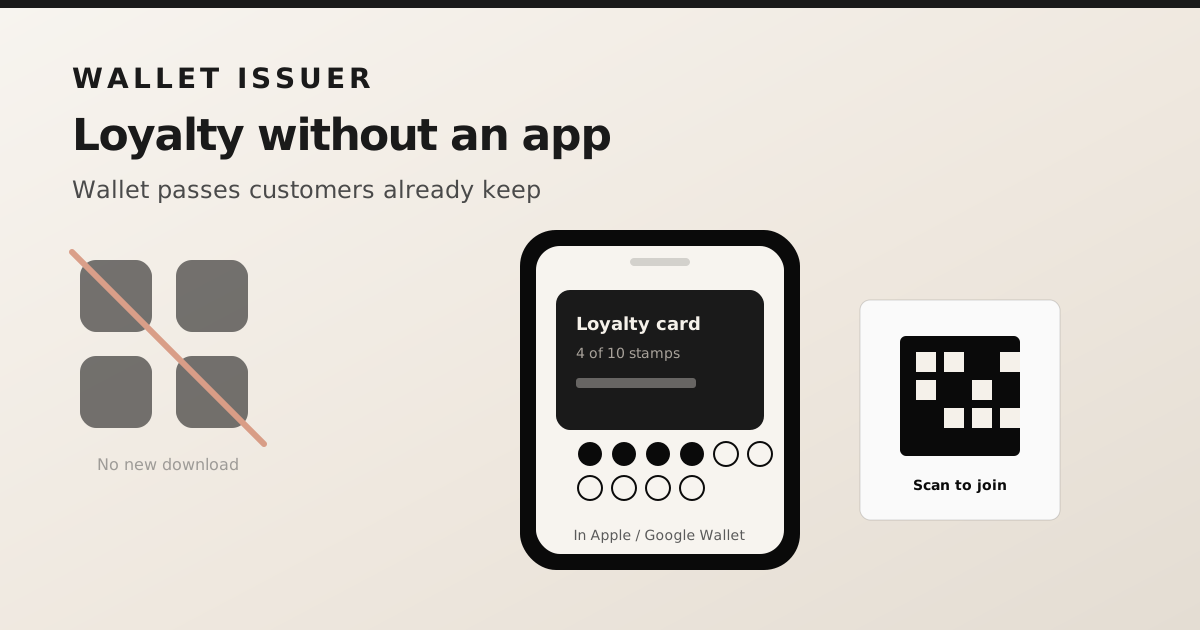
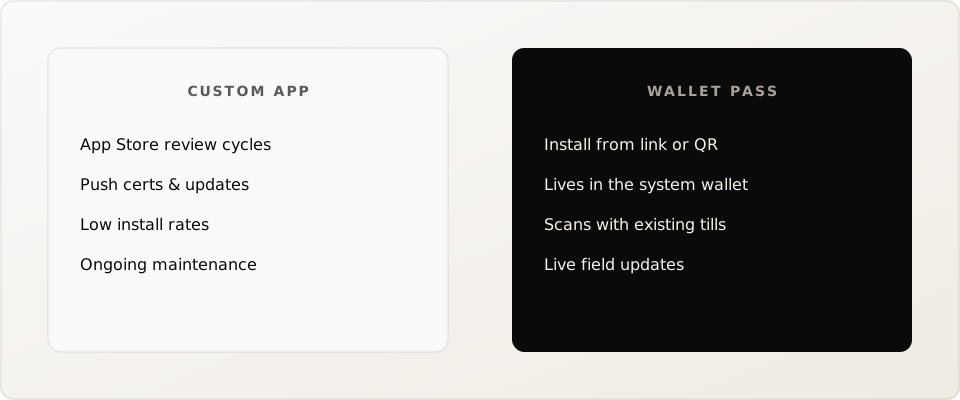
Building a branded loyalty app sounds appealing until you price App Store reviews, push notification certificates, and the reality that customers will not download another app for a free coffee stamp. Wallet passes ride on apps people already use every day.
The no-app advantage
- No App Store or Play Store listing to maintain.
- Install in seconds from a link or QR code.
- Passes sit next to boarding passes and payment cards—high visibility.
- Barcode scanning works with the hardware you already own.
When a custom app still makes sense
If you need rich in-app ordering, social feeds, or complex gamification, a native app may still win. For punch cards, points, membership IDs, and simple tiers, walletissuer-style passes cover the job with far less overhead.
A practical launch checklist
- Design one pass template with clear branding and a scannable code.
- Pilot with staff and a handful of regulars before a full campaign.
- Train the till: scan the barcode, look up the customer, apply the reward.
- Automate issuance when someone joins your email list or checks out.
- Use live updates so balances stay correct after each visit.
You can start on walletissuer's free tier, issue passes from the dashboard without a developer, then wire the API when you are ready to automate. The goal is a loyalty card customers keep—not another icon they delete.