BlogOctober 2, 2026 · 8 min read
How to issue wallet passes with an API
A practical guide to creating Apple and Google Wallet passes from your backend: auth, JSON payloads, share links, and updates.
Wallet passes work best when they are created by your system of record—your POS, CRM, or membership database—not by manually clicking through a dashboard for every customer. An issuing API turns “new member signed up” into “pass ready to install” in one request.
The core flow
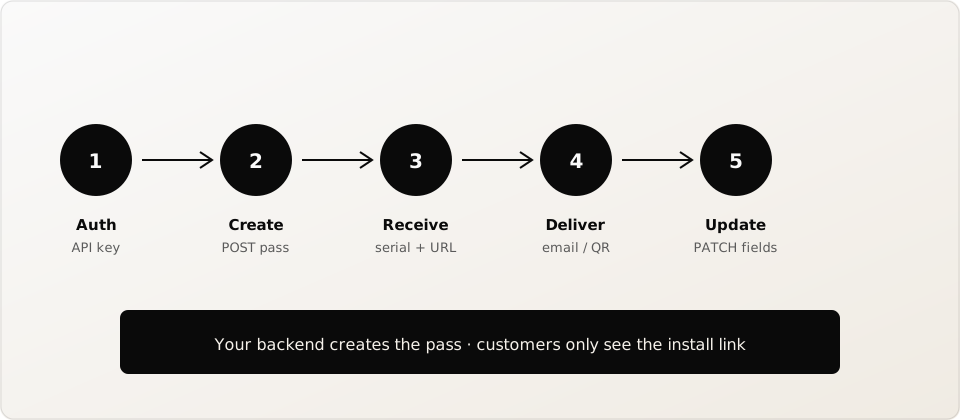
- Authenticate with a workspace API key (Bearer token).
- POST a pass type and fields (loyalty, membership, or generic).
- Receive a serial and a hosted share URL.
- Send that URL to the customer (or show a QR).
- PATCH the same serial when points or status change.
What belongs in the create payload
Keep the create body focused: pass type, display fields, barcode value and format, and optional branding. Avoid stuffing secrets into the pass—put only what the customer and till need. Use your internal customer ID as the barcode value when possible so scanners resolve quickly in your existing tools.
Share links vs binary hosting
You should not host .pkpass files or Google save JWTs yourself unless you have a reason to. A hosted install page can detect Apple vs Google, open the right wallet flow, and keep working after updates. That is the URL you put in emails and posters.
Updates without reissuing
When a customer earns points, update the pass by serial. On plans that include live updates, installed devices receive the new fields. Counting creates and content updates toward a monthly quota keeps costs predictable as your program grows.
Minimal example shape
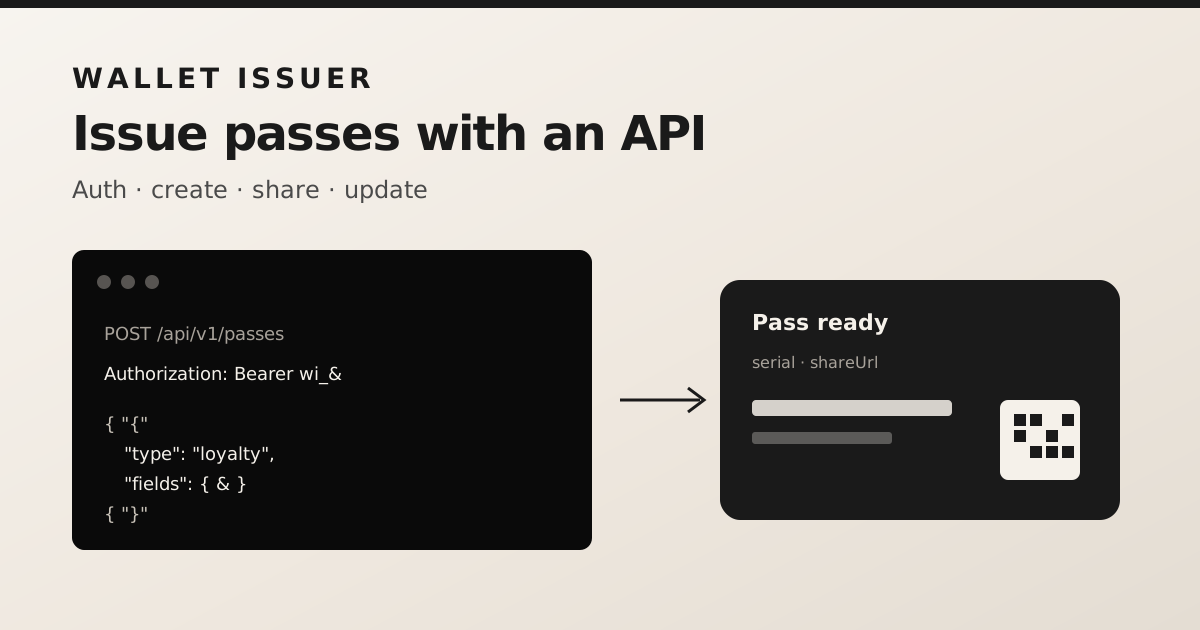
A typical request looks like POST /api/v1/passes with Authorization: Bearer wi_… and a JSON body such as { "type": "loyalty", "fields": { … } }. Create an API key in the walletissuer dashboard, call create from your backend, then store the returned serial next to the customer record so later updates are one-liners.